
The Sims FreePlay MOD APK gives you more freedom to build houses, develop relationships, and manage an entire town without constantly worrying about Simoleons or Life Points. EA's life simulation lets you create Sims, choose their careers, decorate homes, and follow their lives from everyday routines to major milestones. The difficult part is balancing your creative plans with the resources and time those activities require.
Version v118.1.284528 includes Unlimited Money, Unlimited LP, Unlimited Simoleons, and VIP Features Unlocked. The APK is 42 MB, requires Android 7.0+, and belongs to ELECTRONIC ARTS' popular simulation series. The detailed changes in this particular update aren't confirmed, and unofficial modifications can affect login, progress, and compatibility. If you're considering the latest Sims FreePlay MOD, understanding those limitations is just as useful as knowing what the unlimited resources offer.
The Sims FreePlay APK Info
| App name | The Sims FreePlay |
|---|---|
| Latest version | 118.1.284528 |
| File size | 42 MB |
| Requires | Android 7+ |
| Developer | ELECTRONIC ARTS |
| Genre | Game |
| MOD features | Unlimited Money, VIP features |
| Installs | 100M+ |
| Updated | Sep 1 |
| Google Play | com.ea.games.simsfreeplay_row |
 The Sims FreePlay 118.1.284528v118.1.284528 · 42 MB · Android 7+Unlimited MoneyDownload (42 MB)Free option · No sign-up
What is The Sims FreePlay MOD APK?
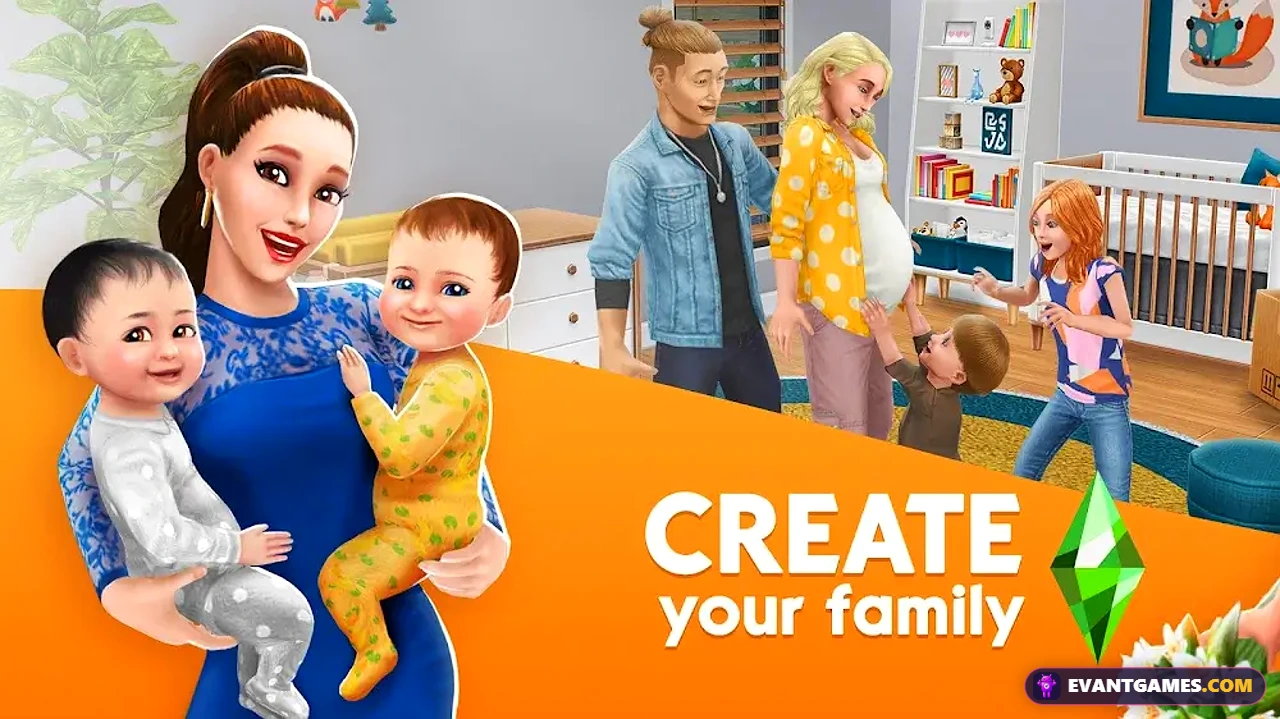
The Sims FreePlay MOD APK is a modified Android version of EA's life simulation game, featuring Unlimited Money, Unlimited LP, Unlimited Simoleons, and VIP Features Unlocked. You create Sims, build homes, develop careers, form relationships, and expand a town while using the modified resource system to reduce normal spending restrictions.
Unlike a simulation where you control one character through a fixed storyline, The Sims FreePlay gives you several lives to manage.
One Sim might be working toward a career goal while another develops a relationship. Meanwhile, you can redesign a house, buy furniture, or prepare a different character for a hobby.
These activities connect through the town you're developing.
Your decisions shape the daily lives of its residents, from how their houses look to which activities occupy their time.
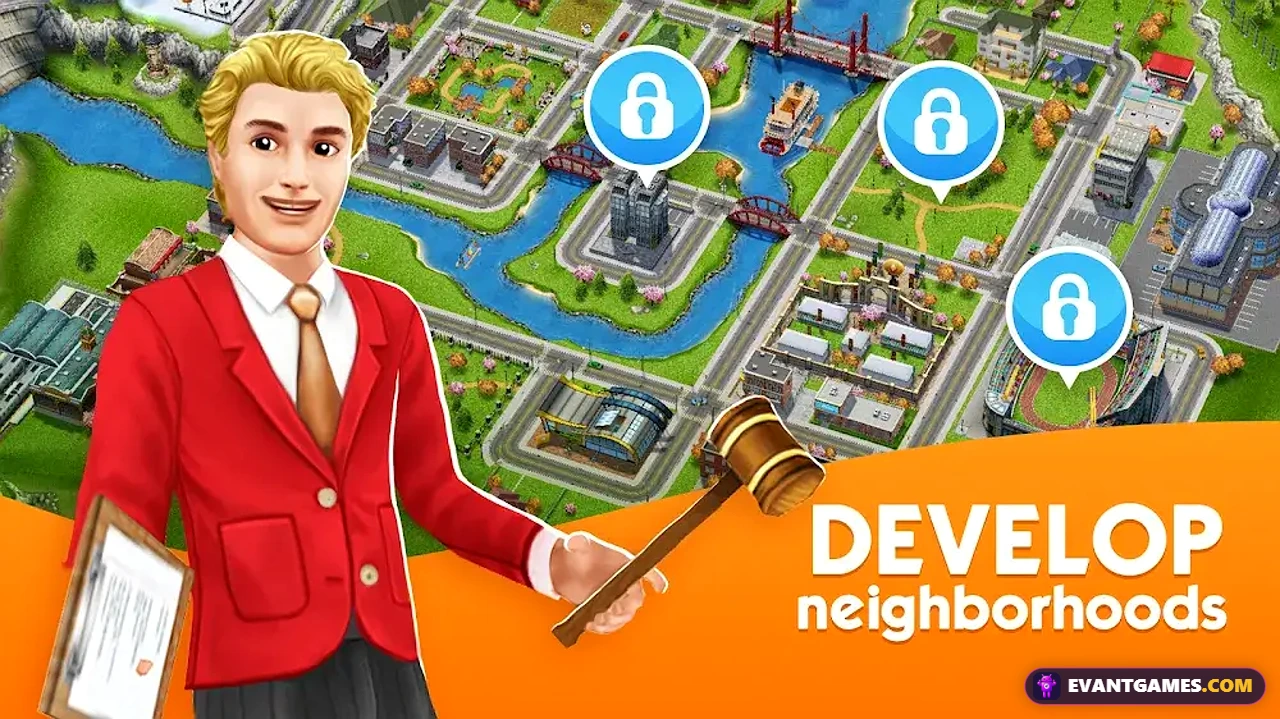
Building your own town
Creating a home is only one part of the experience.
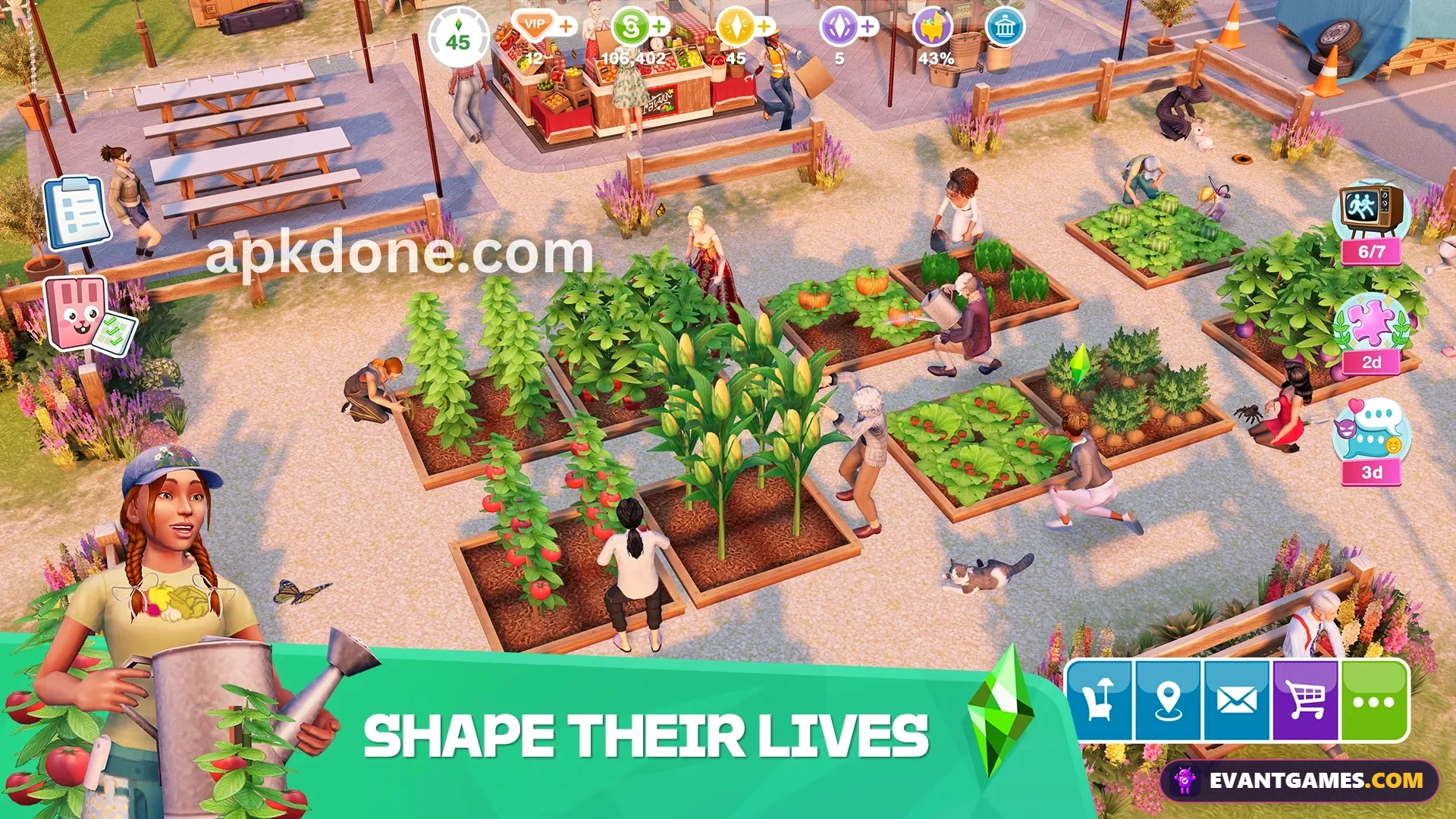
You also develop a larger neighborhood, introduce new Sims, and work toward the facilities and activities connected to your town's progression.
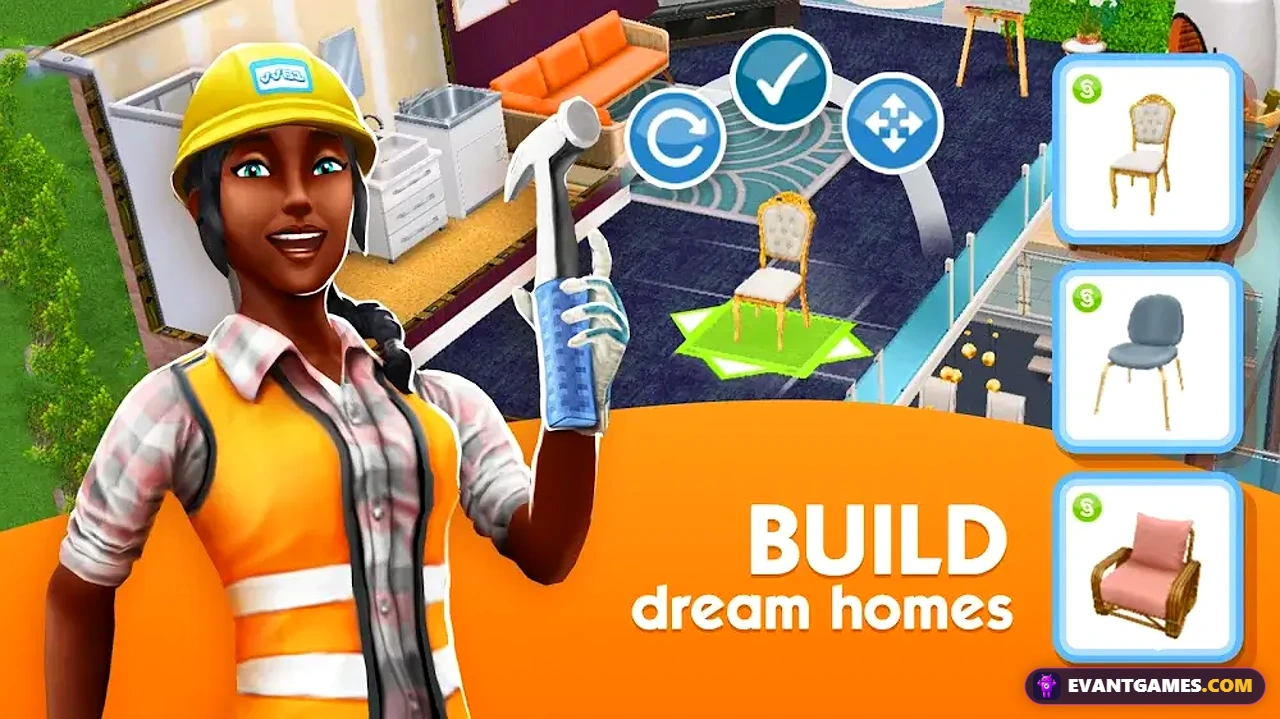
House customization is particularly satisfying because small changes are immediately visible.
A basic room becomes a comfortable living space when you adjust its layout, add furniture, and choose decorations that suit its residents.
You can experiment with different styles instead of making every home look identical.
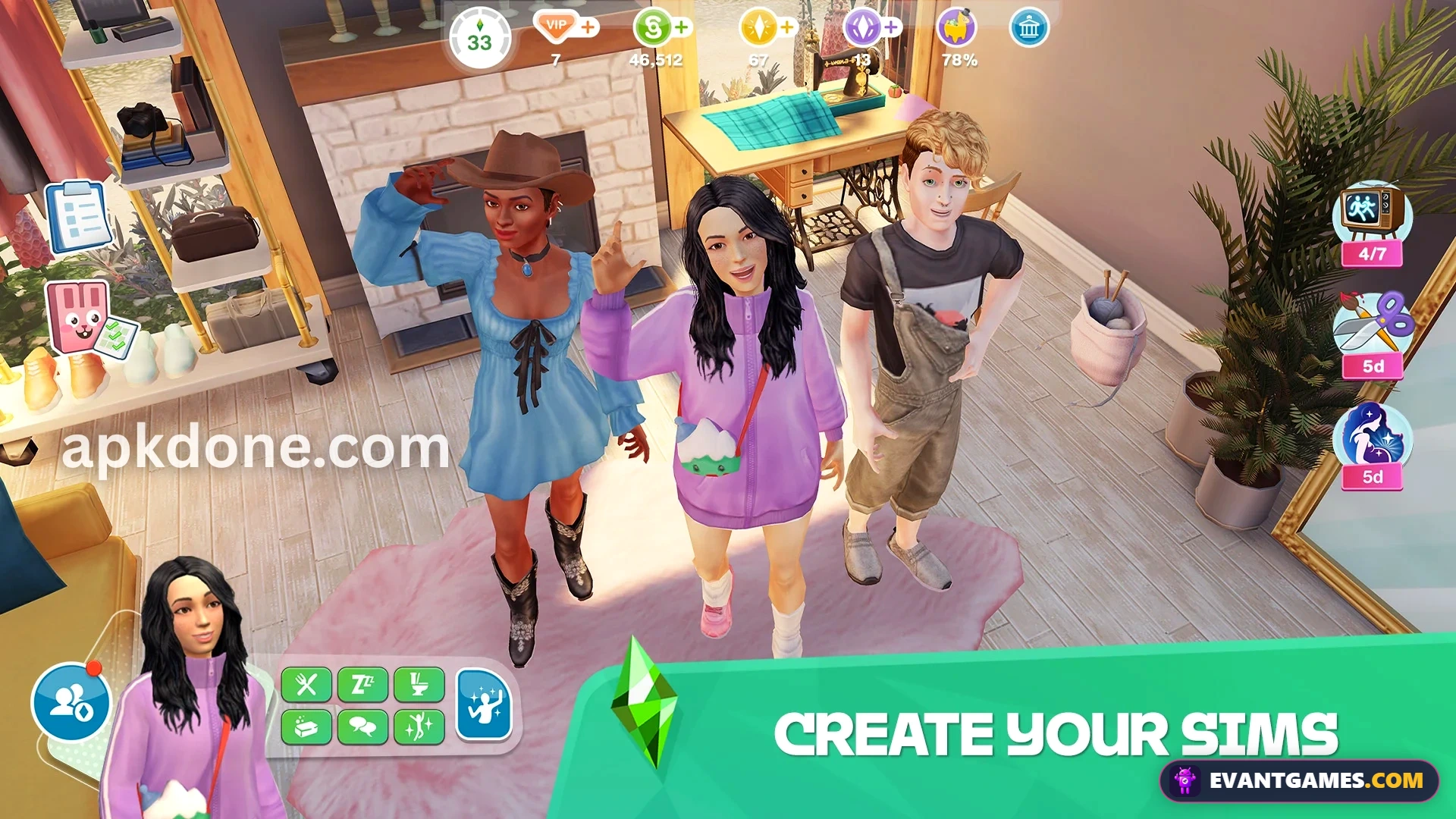
The Sims FreePlay also includes clothing and appearance customization, allowing you to give characters distinct personalities through their visual design.
Relationships, careers, and hobbies
Relationships provide another reason to keep playing.
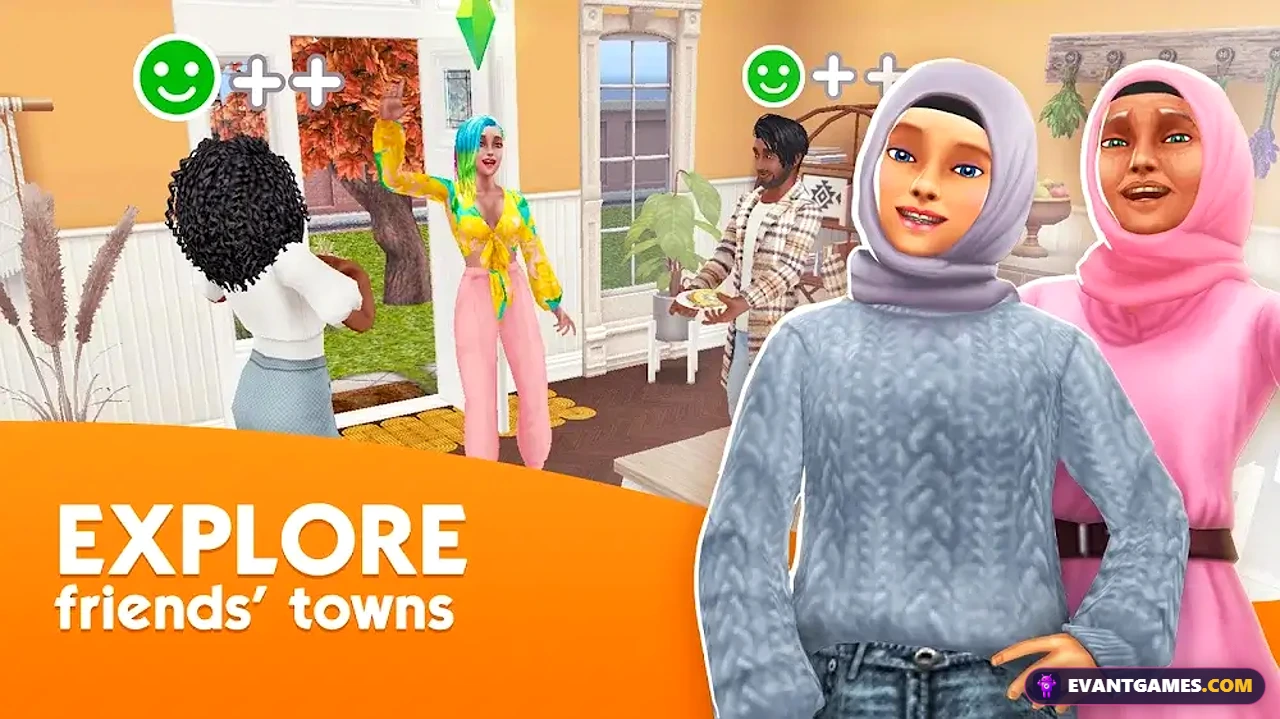
Sims can meet, become friends, develop romantic connections, and pursue marriage through the game's relationship activities and progression systems.
Careers give characters a daily routine and opportunities to earn rewards.
Hobbies add variety when you want something beyond working and decorating. Activities such as cooking and dancing help make different Sims feel like individuals rather than identical residents.
I like that these systems work together.
A Sim isn't defined entirely by a job or house. You can create a character who works during the day, pursues hobbies, and spends time developing friendships.
The main frustration is how quickly resource limits and timers can interrupt those plans.
That's the appeal of a resource-focused MOD.
What the MOD changes
The Sims FreePlay has several resources associated with progression, purchases, and completing activities.
In the original experience, collecting and spending those resources is part of managing the town.
The modified version targets the limitations associated with money, Simoleons, Life Points, and VIP access.
| Feature | Original game | MOD APK |
|---|---|---|
| Money | Earned and spent through gameplay | Unlimited Money |
| Simoleons | Normal currency balance | Unlimited Simoleons |
| Life Points | Earned or obtained through normal systems | Unlimited LP |
| VIP access | Subject to official VIP requirements | VIP Features Unlocked |
| House construction | Normal progression and resource requirements | Currency restrictions reduced |
| Furniture purchases | Require applicable resources | Unlimited currency modification |
| Careers and hobbies | Standard activities and progression | Core gameplay remains |
| Quest timers | Normal timing requirements | No timer-removal feature confirmed |
Unlimited Money and Simoleons
Simoleons are one of the game's main currencies.
They play an important role in developing your town and purchasing items for your Sims.
With Unlimited Money and Unlimited Simoleons, the modification targets the financial restrictions that normally influence building and decorating decisions.
That changes how you approach house design.
Instead of abandoning a decoration plan because of insufficient currency, you can concentrate on arranging rooms and choosing the items you want.
However, Unlimited Simoleons doesn't mean every object is unlocked.
Some content can depend on quests, progression requirements, or special access conditions.
A modification to currency doesn't automatically remove those restrictions.
Unlimited LP and Life Points
Life Points, commonly called LP, are another important resource in The Sims FreePlay.
Players use them within the game's progression and activity systems, where resource spending can affect how quickly certain actions are completed.
Unlimited LP is particularly attractive to players who dislike interruptions caused by limited premium resources.
The modification targets Life Point availability, allowing greater freedom when supported actions require LP.
But there's an important distinction.
Unlimited LP isn't the same as removing every timer.
No separate Instant Finish or No Cooldown feature is confirmed for v118.1.284528.
Activities that rely on conditions outside the modified resource balance can still follow their normal rules.
VIP Features Unlocked
The Sims FreePlay includes VIP-related benefits connected to its official systems.
Version v118.1.284528 features VIP Features Unlocked, targeting restrictions associated with those benefits.
That doesn't guarantee every account-based privilege will work indefinitely.
Some entitlements can depend on information verified through game services rather than the locally installed APK.
Don't assume the modification automatically grants every paid item, future VIP reward, or account benefit.
Does Sims FreePlay MOD offer unlimited everything?
No complete Unlimited Everything feature is confirmed.
Searches for "sims freeplay mod unlimited everything" often refer to several different benefits grouped together.
This version specifically includes Unlimited Money, Unlimited LP, Unlimited Simoleons, and VIP Features Unlocked.
It doesn't separately confirm Unlock All Houses, Unlock All Levels, Instant Construction, or Unlimited Social Points.
Treat each feature according to what it actually changes rather than assuming the entire game's progression system disappears.

Gameplay tips that actually help
Having unlimited resources doesn't automatically make your town well organized.
The Sims FreePlay becomes more enjoyable when you give each character a purpose and develop your homes around the activities you actually use.
These are the habits I'd recommend for a growing town.
Build smarter and manage your Sims
- Give every Sim a clear role: Assign different characters to careers, hobbies, or relationship goals. This helps you track progression without repeatedly checking who is doing what.
- Plan rooms before buying furniture: Think about how a Sim will use each space. A practical kitchen, accessible bathroom, and comfortable bedroom are more useful than filling every corner with decorations.
- Prioritize active quests: Check which objectives introduce new activities or opportunities. Unlimited currency won't automatically complete the requirements attached to those objectives.
- Develop hobbies consistently: Let Sims spend time on hobbies that fit their routine. Switching activities constantly can make progression harder to follow.
- Build relationships deliberately: Focus on developing a few meaningful relationships before managing a large network of unfinished interactions. It makes each character's story easier to remember.
- Keep some resources unspent in the original game: If you ever return to an unmodified version, avoid exhausting your Life Points on minor conveniences. Reserve premium resources for activities that provide useful progress.

Decorating without wasting space
A large house isn't automatically a good house.
Room arrangement matters because Sims need space to move between furniture and interact with objects.
Start with a simple layout.
Place essential rooms first, then expand the design as you understand what the residents need.
When decorating, choose a visual theme for each home. A modern apartment and a traditional family house should feel different rather than sharing identical furniture everywhere.
Unlimited Simoleons make experimentation easier, but practical layouts still improve the experience.
Managing careers and hobbies
Careers and hobbies give you different kinds of progression.
A career establishes a routine and helps support the household, while hobbies encourage variety and provide additional objectives.
Instead of assigning every Sim the same activity, create a balanced population.
Some residents can focus on work, while others develop hobbies or complete relationship goals.
The result is a town that feels active rather than a collection of characters waiting for instructions.
What's new in v118.1.284528?
The Sims FreePlay v118.1.284528 is the featured Android version with a 42 MB APK package and Android 7.0+ compatibility.
The confirmed modifications are Unlimited Money, Unlimited LP, Unlimited Simoleons, and VIP Features Unlocked.
The recorded last-update date is September 1, without a confirmed year.
There isn't a verified detailed changelog establishing specific new furniture, locations, careers, quests, or bug fixes for v118.1.284528.
Those changes shouldn't be assumed from the version number alone.
The Sims FreePlay latest update in 2026
Players searching for The Sims FreePlay update 2026 or The Sims FreePlay new update usually want to know whether their existing town will remain compatible.
That concern is more important than simply obtaining a higher version number.
The featured download page includes v118.1.284528 and v118.0.282574.
These are separate builds, and their modifications shouldn't automatically be treated as identical.
Two download mirrors are available, although a mirror doesn't necessarily represent a different version.
When choosing The Sims FreePlay APK latest version, verify the exact build attached to the file.
What about the next update?
A specific date for The Sims FreePlay next update isn't confirmed here.
Official updates can change compatibility requirements or game services, which can affect modified applications.
A newer official release doesn't guarantee that an older MOD will continue functioning.
If your current game contains valuable progress, protecting the save is more important than replacing the installation immediately.
The Sims FreePlay MOD APK old versions
Older versions attract players who prefer a familiar interface or encounter problems after updating.
The download page includes v118.0.282574 alongside the featured v118.1.284528 build.
However, the existence of an older version doesn't prove that it performs better on a particular phone.
Why choose an older release?
An older build can be useful for comparing compatibility or returning to an interface you're familiar with.
Still, legacy APKs have disadvantages.
They can lack security fixes, depend on outdated services, or encounter account compatibility problems.
You should also avoid assuming older modifications include the same VIP or currency features.
Does an old version preserve progress?
Not automatically.
Saved progress can depend on local application data, account synchronization, and version compatibility.
Replacing a newer installation with an older one can create problems if the save format or game requirements have changed.
Back up your town before switching versions.
If you cannot confirm a working recovery method, avoid removing an installation containing important progress.
Beginner mistakes and the best upgrade order
The Sims FreePlay gives you many possible objectives, making it easy to spend resources without a clear plan.
Unlimited Money reduces financial pressure, but the best progression still comes from developing your town in a useful order.
- Establish a functional first home. Prioritize basic furniture and activities before spending heavily on decoration. A comfortable household gives your Sims the space needed for ordinary routines.
- Develop reliable careers. Careers provide structure and progression opportunities. Even when using unlimited resources, understanding work schedules helps you manage your characters.
- Complete important progression quests. Some activities and opportunities are connected to quests. Currency modifications don't automatically remove every prerequisite, so complete objectives that open useful content.
- Expand your town gradually. Adding many residents at once can make daily management confusing. Develop a manageable group before increasing the number of Sims you're responsible for.
- Invest in hobbies and relationships. Once the basic town is functioning, give your characters distinct interests and social goals. These activities make the experience more engaging than simply constructing buildings.
- Improve existing homes before creating too many new ones. A carefully designed house is more satisfying than several unfinished properties. Organize your spaces before beginning another large construction project.
- Experiment with premium features carefully. VIP Features Unlocked doesn't guarantee every account-controlled benefit. Check how each feature behaves before making major changes to your town.
The mistake of building everything immediately
Unlimited Simoleons remove much of the pressure associated with saving for furniture and construction.
That freedom can encourage you to create several expensive homes without thinking about their purpose.
I'd rather develop one distinctive house and a few well-defined characters than fill the town with buildings that feel interchangeable.
The Sims FreePlay is more interesting when each household has a story.
The Sims FreePlay MOD APK vs the original game
Both versions share the same core life simulation.
You create characters, manage their activities, build houses, and develop relationships.
The difference is how resource restrictions and premium features affect those decisions.
| Comparison | Original game | MOD APK v118.1.284528 |
|---|---|---|
| Developer | ELECTRONIC ARTS | Unofficially modified package |
| Simoleons | Standard earning and spending | Unlimited Simoleons |
| Life Points | Normal resource restrictions | Unlimited LP |
| Money | Regular currency economy | Unlimited Money |
| VIP features | Official entitlement rules | VIP Features Unlocked |
| House customization | Progression and spending requirements | Currency restrictions reduced |
| Quests | Standard progression | No automatic completion confirmed |
| Account support | Official game services | Compatibility isn't guaranteed |
| Updates | Official distribution | Requires compatible MOD builds |
| Security | Official distribution safeguards | Additional third-party APK risks |
Who should consider the MOD?
The modified edition appeals most to players who enjoy building and decorating more than earning currency.
If your favorite part of the game is designing homes, experimenting with furniture, or developing a large town, unlimited resources can reduce some of the restrictions.
However, it doesn't eliminate the need to complete quests or manage your Sims.
The resource changes also reduce the satisfaction that comes from gradually earning improvements.
Who should stay with the original?
The official Google Play version is preferable if you care about account protection, dependable updates, and preserving long-term progress.
It also provides the intended resource-management experience.
I would choose the original for a town I've spent considerable time developing.
The decision is straightforward:
- Official version: Better for reliable updates, supported account services, and standard progression.
- Modified version: Intended for players who want fewer currency restrictions while accepting compatibility and security uncertainty.
Common problems and quick fixes
The Sims FreePlay can experience installation, loading, and account problems, particularly when an unofficial build differs from the official release.
Check the underlying cause before replacing files or clearing data.
- App not installed: Verify available storage and check whether an existing installation has a different signing certificate. Protect your progress before removing the current app.
- Parse error: Confirm that the package isn't damaged and that your phone supports Android 7.0+. An incompatible or incomplete APK can prevent installation.
- Crash on launch: Restart the phone, close unnecessary background applications, and check version compatibility. Modified code can cause crashes even when the official application works.
- Black screen: Restart the application and check whether the device can load its required resources. Persistent black screens can indicate missing assets or compatibility problems.
- Stuck on loading: Check your internet connection and whether the game's online services are reachable. A modified client can fail when its version is no longer compatible with service requirements.
- Missing progress or login problems: Don't clear application data immediately. Verify the account used for saved progress and confirm whether a recovery option is available.
The Sims FreePlay download error
A download error doesn't always mean the APK itself is defective.
Insufficient storage, an interrupted connection, or missing additional game resources can prevent the application from functioning correctly.
The 42 MB APK size doesn't necessarily represent the complete storage required after installation.
Check available space before assuming the game should operate with only that amount.
Checking the Android package
The game's official package identifier is:
com.ea.games.simsfreeplay_row
A matching identifier can help distinguish The Sims FreePlay from unrelated applications.
However, matching the package name doesn't establish that a modified APK is authentic or safe.
Performance, battery and storage tips
The Sims FreePlay combines character animations, house interiors, and an expanding town.
Performance can vary depending on the device and the complexity of the areas being displayed.
Although the APK is 42 MB, additional files, cached content, and saved data can increase storage use.
For low-end Android phones
Avoid keeping many demanding applications open while playing.
If your device offers graphics or power-management options, prioritize stable performance rather than maximum visual quality.
Keep sufficient storage available and avoid unnecessary background downloads.
A phone running Android 7.0 or newer meets the stated operating-system requirement, but that alone doesn't guarantee smooth performance.
For high-end Android phones
More powerful hardware can make switching between households and viewing complex areas more comfortable.
However, stronger hardware won't automatically fix account problems or incompatible modified code.
Use normal device performance settings first.
If the game includes applicable graphics options, adjust them based on smoothness and battery usage rather than assuming the highest setting is necessary.
Battery management
The Sims FreePlay encourages frequent visits because characters have activities and routines to manage.
Continuous screen usage can drain battery during long play sessions.
Moderate brightness and shorter sessions help reduce power consumption.
You can also organize tasks before leaving the game instead of keeping the screen active while waiting for an activity to finish.
Pros and cons
Pros
- Create and customize multiple Sims.
- Build houses and develop a personalized town.
- Careers, hobbies, and relationships provide varied activities.
- Unlimited Money reduces financial restrictions.
- Unlimited LP makes supported premium-resource activities less restrictive.
- VIP Features Unlocked targets additional access limitations.
Cons
- Unlimited currency can reduce the challenge of progression.
- Not every house, object, or quest is automatically unlocked.
- VIP modifications don't guarantee server-controlled entitlements.
- Online requirements can limit offline gameplay.
- Modified builds can create account and save compatibility problems.
- Unofficial APKs introduce additional security risks.
Is The Sims FreePlay MOD APK safe?
A modified APK carries additional risks compared with the official Google Play application.
Changing application code can introduce unexpected behavior, compatibility problems, or security vulnerabilities.
Even a successful security scan doesn't guarantee that a file is completely harmless.
EVANTGAMES has two download mirrors for The Sims FreePlay. Individual files should be checked for integrity, and mirror availability cannot be guaranteed at every moment.
Don't assume that a file has been scanned or verified unless the result is available.
Protecting your town and account
The most important precaution is preserving your progress.
The Sims FreePlay can involve substantial time spent building homes, developing relationships, and completing objectives.
Losing that progress can be more frustrating than losing access to a particular modification.
Check whether your game supports an account-based save or recovery method and confirm that it works before changing installations.
Avoid entering valuable account credentials into an application whose integrity you cannot establish.
The official Google Play version remains the safer choice for long-term play.
Use unofficial modified packages at your own risk and avoid granting permissions unrelated to gameplay.
Frequently Asked Questions
Is The Sims FreePlay offline on Android?
No, The Sims FreePlay isn't designed as a fully offline Android game. It normally requires an internet connection for game services, and a modified APK doesn't automatically remove those requirements.
How do I get LP in The Sims FreePlay?
In the original game, Life Points can be earned through supported gameplay activities and rewards or obtained through official purchasing options. Version v118.1.284528 includes an Unlimited LP modification, but account and service restrictions can still apply.
Why won't my Sims FreePlay update?
An update can fail because of insufficient storage, connectivity problems, version incompatibility, or a different application signature. Protect your saved progress before attempting to replace an existing installation.
Why is The Sims FreePlay not loading?
Loading problems can come from a poor internet connection, incompatible game files, or temporary service issues. Check the official version's behavior before assuming your phone is the problem.
How do you play The Sims FreePlay?
Create a Sim, establish a home, complete early objectives, and gradually develop careers, hobbies, and relationships. As your town expands, manage several Sims and pursue the available quests.
Is The Sims FreePlay the same as The Sims 4?
No, they're different life simulation games. The Sims FreePlay is designed around mobile town management and timed activities, while The Sims 4 offers a different simulation experience with its own building, character, and progression systems.
What is the latest version of The Sims FreePlay?
The latest version of The Sims FreePlay on EVANTGAMES is 118.1.284528 (42 MB), updated on Sep 1. This page is refreshed whenever a new build is released.
Which Android version does The Sims FreePlay need?
The Sims FreePlay 118.1.284528 needs Android 7 or newer. Older phones may install it but performance and stability are not guaranteed.
Final verdict
The Sims FreePlay remains appealing because it lets you create households, decorate homes, and develop an entire town around characters with different goals. The Sims FreePlay MOD APK v118.1.284528 targets the frustration of limited Simoleons and Life Points through Unlimited Money, Unlimited LP, and VIP Features Unlocked, although it doesn't remove every progression requirement. If building freely matters more to you than earning resources, the MOD has an obvious attraction, but I'd favor the official version for dependable updates and protecting a town you want to keep.
the sims freeplay mod apk Features
- Unlimited Money
- Unlimited LP
- VIP Features Unlocked
- Unlimited Simoleons
- Life Points
- VIP
The Sims FreePlay Screenshots
How to Download and Install the sims freeplay mod apk
- Open the download page
Tap Download The Sims FreePlay. The download page opens with every mirror for this version.
- Pick your mirror
The free option is always available. The sponsored fast option is optional and only removes the wait.
- Allow the install
If Android asks, enable Install unknown apps for your browser or file manager (Settings › Apps › Special access).
- Install the file
Open the downloaded file and tap Install. If the file is an XAPK or comes with an OBB folder, follow our APK, XAPK & OBB install guide.
- Play
Launch The Sims FreePlay and enjoy. New versions are posted on this page — bookmark it.
The Sims FreePlay 118.1.284528v118.1.284528 · 42 MB · Android 7+Unlimited MoneyDownload (42 MB)Free option · No sign-up